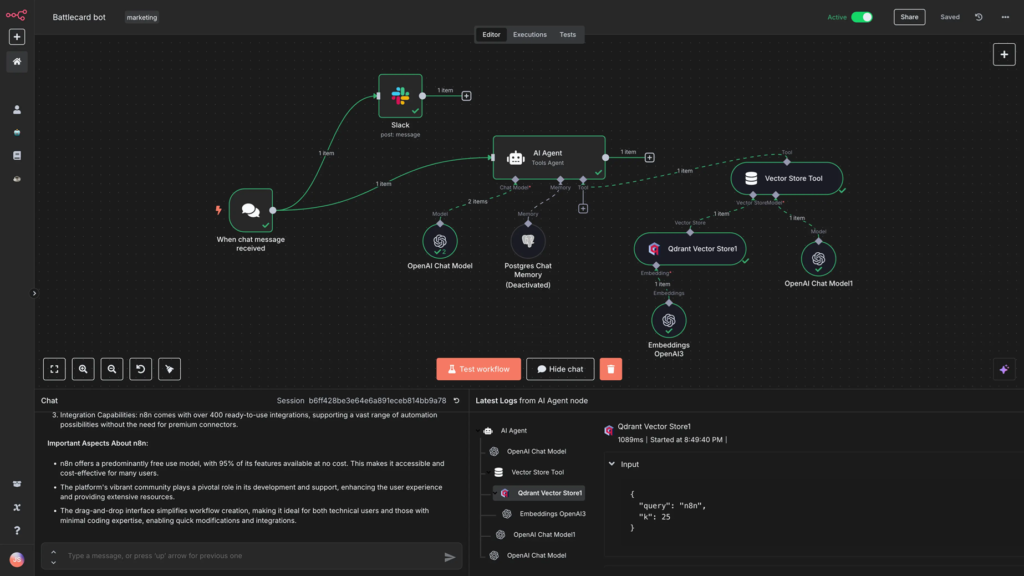

Are you using n8n for your automations but feeling limited by the standard nodes? Do you wish you could manipulate data, format dates, or extract specific information from a complex JSON object without adding dozens of extra steps?
Welcome to the world of n8n Expressions. In this guide, based on the GenAI Unplugged tutorial, we’ll explore how expressions allow you to move from a “no-code” user to a “low-code” professional. You’ll learn how to harness the power of JavaScript, the Luxon library for dates, and JMESPath for querying data—all within a single line of code inside your existing nodes.
Table of Contents
- What are n8n Expressions?
- How to Access Expressions
- Data Transformation: Dot vs. Bracket Notation
- Using Built-In Functions for Data Cleanup
- Date and Time Manipulation with Luxon
- Expressions vs. Code Node: When to Use Which?
- FAQs
- Conclusion
What are n8n Expressions?
Expressions are a convenient way to transform data within n8n nodes without writing extensive blocks of code [01:36]. Think of them as “mini-scripts” that live inside your node parameters. They allow you to:
- Dynamically access data from previous nodes or the workspace [01:53].
- Perform JavaScript execution on a single line [02:00].
- Format dates using the powerful Luxon library [02:04].
- Query JSON data using JMESPath syntax [02:08].
How to Access Expressions
To use an expression in any n8n node, look for the parameter field. You will see a toggle between Fixed and Expression [04:23].
- Click on Expression.
- Use Double Curly Braces
{{ }}to wrap your code [04:41]. - Anything inside these braces is treated as JavaScript.
Data Transformation: Dot vs. Bracket Notation
When accessing JSON data (like customer names or emails), there are two primary ways to write your expression:
| Method | Syntax Example | When to Use |
| Dot Notation | {{ $json.customerName }} | Simple, standard properties [05:12]. |
| Bracket Notation | {{ $json["email"] }} | Best for keys with special characters or spaces [05:44]. |
For nested data, such as a product list within an order, you can chain these together:
{{ $json.order.products[0].name }} retrieves the name of the first product in the array [07:04].
Using Built-In Functions for Data Cleanup
n8n provides a library of built-in functions to make common tasks easier. Instead of writing complex logic, you can use these helpers [10:41]:
extractDomain(): Pulls the domain (e.g.,google.com) directly from an email address [09:05].ifEmpty(): Checks if a value is missing and provides a fallback, like “Email not found” [11:33].- String Functions: You can use standard JavaScript like
.split('@')[1]to manually parse strings [09:37].
Common Built-In Helper Functions
| Function | Purpose | Example |
hasField() | Checks if an object contains a specific field. | {{ $json.hasField('id') }} |
twoInt() | Converts booleans to integers (true = 1). | {{ $json.active.twoInt() }} |
compact() | Removes empty values from an array. | {{ $json.list.compact() }} |
Date and Time Manipulation with Luxon
Dates are notoriously difficult in automation, but n8n makes it simple with the Luxon library integration [13:47].
- Current Date:
{{ $now }}returns the full timestamp [13:12]. - Formatting:
{{ $now.format('MM-dd-yy') }}changes the date to a readable format [14:13]. - Calculations: You can calculate differences between dates using
.diff(). For example, calculating how many days have passed since the start of the year [18:09]:{{ $now.diff(DateTime.fromISO('2025-01-01'), 'days') }}[19:28].
Expressions vs. Code Node: When to Use Which?
It’s important to understand where expressions end and the Code Node begins [17:31].
| Feature | Expressions | Code Node |
| Length | Single line only [04:56]. | Multi-line JavaScript/Python [01:21]. |
| Complexity | Simple data mapping/formatting. | Advanced custom logic and loops. |
| Placement | Inside any node’s settings. | A dedicated node in the canvas. |
| Syntax | Requires {{ }} wrapper. | Standard script format. |
Pro Tip: If your code requires an “If/Else” statement or creating custom functions, it will likely fail in an expression and should be moved to a Code Node [21:17].
Frequently Asked Questions (FAQs)
1. Can I use Python in n8n expressions?
No, expressions are strictly JavaScript-based. If you want to use Python, you must use the Code Node [01:21].
2. What happens if my expression has an error?
n8n will usually show an “Invalid Syntax” or “Null” result in the preview panel. Check for missing brackets or typos in your variable names [21:25].
3. How do I access data from a node that isn’t the direct predecessor?
Use the $('Node Name') syntax. For example: {{ $('Customer Data').item.json.email }} [15:20].
4. Is there a limit to how many expressions I can use?
There is no hard limit, but keep in mind that many complex expressions can make a workflow harder to debug. Use them for efficiency, not to hide logic.
5. Where can I find a full list of n8n functions?
The official n8n documentation (available at docs.n8n.io) contains a comprehensive list of all data transformation and built-in variables [14:39].
Conclusion: Key Takeaways
Mastering n8n expressions is the first step toward building truly sophisticated AI automations.
- Use expressions to clean and format data on the fly.
- Leverage Luxon to solve all your date-related headaches.
- Remember that expressions are for single-line logic; use the Code Node for everything else.
By using these tools, you’ll reduce the number of nodes in your workflow, making your automations faster and easier to manage.
Ready to see more? Watch the full video tutorial here.