Data redundancy is a silent killer of automation efficiency. If you’ve ever accidentally sent five identical emails to a single customer or seen doubled-up entries in your reporting dashboard, you know the frustration.
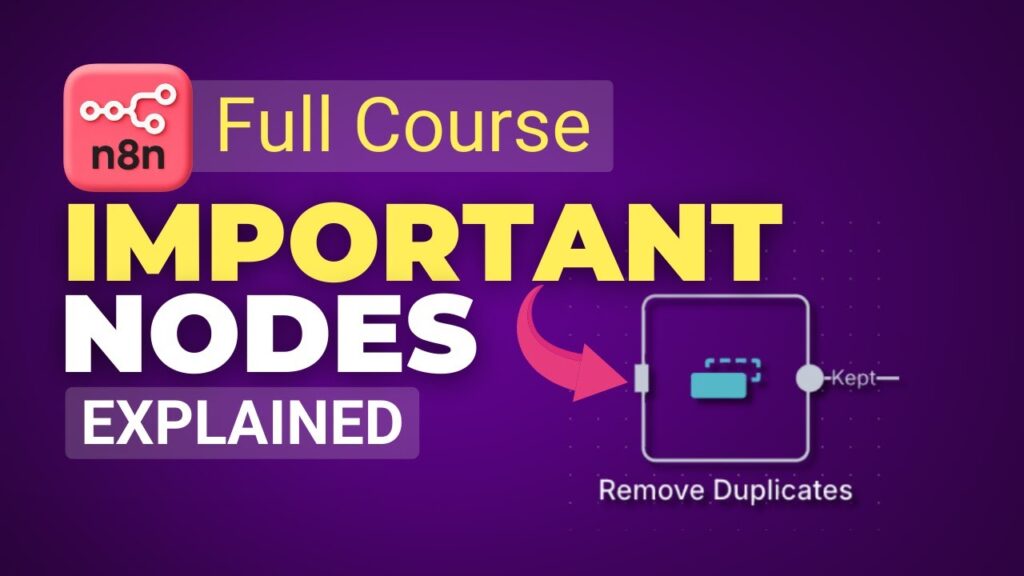
In this deep-dive tutorial by GenAI Unplugged, we explore the Remove Duplicates Node—a vital tool for maintaining data integrity in your n8n workflows [00:19].
Why Removing Duplicates is Essential
Failing to clean your data doesn’t just look unprofessional; it can have real business consequences:
- Customer Spam: Sending multiple order confirmations for a single purchase [00:27].
- Inaccurate Reporting: Bloated numbers on your finance or operations dashboards [00:42].
- Inefficiency: Processing the same data point multiple times through expensive AI or API nodes.
How to Configure the Remove Duplicates Node
The node is straightforward but requires careful setting of the Comparison field [08:55]:
- Select the Operation: Usually, you’ll choose “Remove items repeated within the current input” [08:37].
- Define the Comparison: This is critical. If you select “All Fields,” n8n will only remove an item if every single piece of data is identical.
- Pro Tip: Select a unique identifier like
orderID. This ensures that even if other fields (like timestamps) vary, n8n knows they refer to the same order [09:51].
- Pro Tip: Select a unique identifier like
- Clean the Output: Use the “Remove Other Fields” option if you only need the unique IDs for the next step. This keeps your data stream lightweight and efficient [10:54].
Real-World Solution: The “Summary Email” Fix
In the previous lesson, we used an Aggregate Node to combine 41 pending orders into one email. However, because some orders contained multiple products, the email still listed the same orderID several times [07:50].
The Fix: Place the Remove Duplicates Node before the Aggregate Node.
- Result: The 41 line items are reduced to 13 unique orders. The final email now contains a clean, professional list of 13 distinct order IDs [11:35].
Pro Logic: Multi-Condition Filtering
The tutorial also solves a common logic bug. What if you want to notify your team about “High Priority” orders that are both Processing AND over 45 days old?
By using a Set Node with a JavaScript ternary operator and an && (AND) condition, you can ensure that “Shipped” or “Delivered” orders are filtered out, even if they are old [05:45]. This prevents your operations team from getting alerted about orders that are already finished [04:02].
Advanced Workflow Architecture: Branching
A key takeaway from this lesson is how to handle Branching. If you merge different types of orders (Pending, Canceled, Refunded) into a single “Remove Duplicates” node, n8n might execute the subsequent nodes multiple times—once for each branch [16:40].
To avoid sending duplicate summary emails:
- Isolate Branches: Give each status (Pending, Processing) its own “Remove Duplicates” and “Aggregate” chain [18:17].
- Strategic Merging: Use a Merge Node only when two branches (like Canceled and Refunded) share the exact same final action, such as notifying the Finance team [18:52].
Conclusion
Mastering the Remove Duplicates node is about more than just “tidying up.” It’s about building Data Engineering Pipelines within n8n that are reliable, professional, and efficient.