How to Build a Sexy UGC Reels a Faceless YouTube Shorts Video with n8n
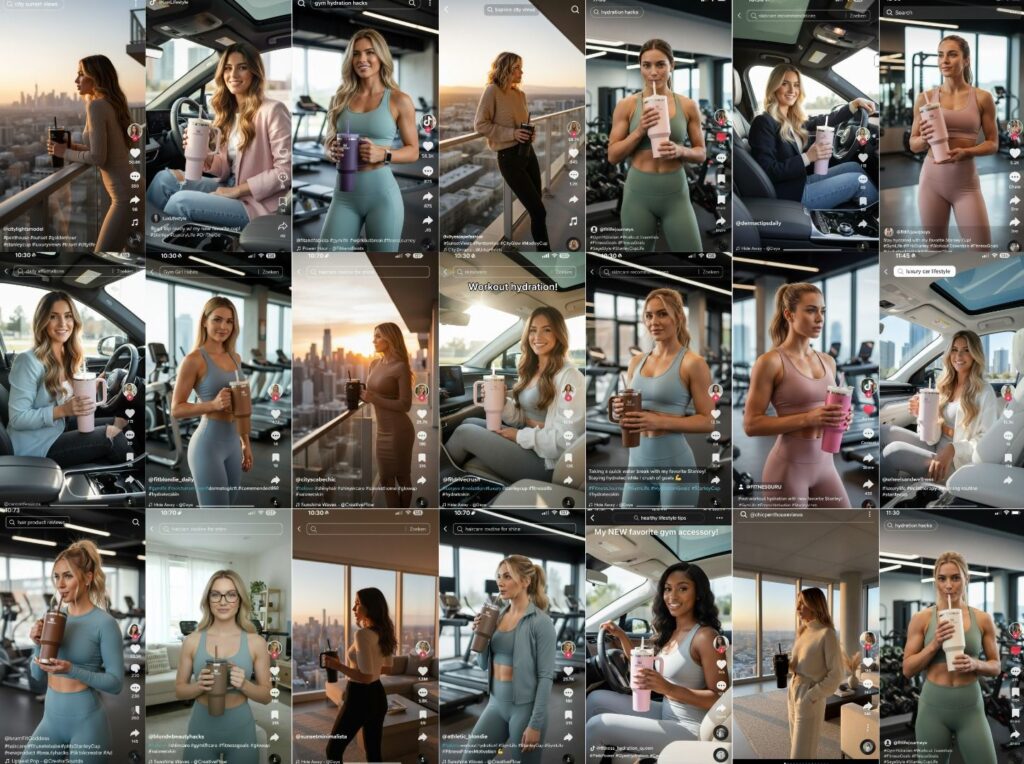
In the digital gold rush of the 2020s, “Faceless” YouTube channels have emerged as one of the most lucrative passive income streams. From “Daily Stoic” style philosophy shorts to “Did You Know?” science facts, these channels generate millions of views without the creator ever stepping in front of a camera.
However, the traditional bottleneck has always been production time. Writing scripts, sourcing stock footage, and editing videos can take hours. What if you could automate the entire process?
By using n8n, a powerful workflow automation tool, you can connect various AI services to create a “Video Factory” that writes, voices, and edits videos while you sleep. Here is your blueprint for building a faceless video engine.
1. The Strategy: Why Automation?
Content creation is a volume game. Social media algorithms—whether YouTube Shorts, TikTok, or Instagram Reels—reward consistency. An automated workflow allows you to:
- Scale Infinitely: Run five channels in different niches as easily as one.
- Remove Creative Block: Let AI brainstorm trending topics based on real-time data.
- Focus on Growth: Spend your time on SEO and strategy rather than tedious editing.
2. The Tech Stack
To build this engine, we use a “Modular” approach, where n8n acts as the brain connecting several specialized AI “limbs”:
- n8n (The Orchestrator): The glue that connects your apps.
- OpenAI (The Brain): Used for brainstorming high-engagement topics.
- Tavly AI (The Researcher): An AI search engine that pulls factual data from the web.
- Anthropic Claude (The Writer): Known for more “human-like” and engaging scriptwriting.
- JSON2Video (The Editor): A cloud-based video editing API that renders the final file.
- Google Sheets/Gmail (The Interface): For managing your queue and receiving results.
3. Step-by-Step Implementation
Phase 1: Setting up the “Brain” (n8n Hosting)
To run automations 24/7, you need a stable environment. While you can run n8n for free on your local computer, a cloud-hosted version is recommended for professional use.
- Self-Hosting: Use a VPS (like DigitalOcean or WebSpace Kit) to keep costs low while maintaining full control.
- n8n Cloud: The easiest “plug and play” option for those who aren’t tech-savvy.
Phase 2: Building the Research Workflow
A great video starts with a great script.
- The Trigger: Start your n8n workflow with a “Form” or a “Google Sheet” row. This is where you input your niche (e.g., “Space Facts”).
- Idea Generation: Use the OpenAI Node. Ask GPT-4 to generate 10 viral hooks for your niche.
- Fact-Checking: Pass the selected idea to Tavly AI. Unlike standard GPT, Tavly searches the live web to ensure your video isn’t spreading outdated “hallucinations.”
- Scripting: Use the Anthropic Claude Node. Provide Claude with the research data and ask it to write a 60-second script optimized for retention, including visual cues for each scene.
Phase 3: The Video Generation (JSON2Video)
This is where the magic happens. JSON2Video allows you to describe a video using code.
- The Template: You create a “Movie Template” that defines your brand style—font, background music, and text overlay positions.
- The Render: n8n sends the script and visual prompts to JSON2Video. The API automatically sources relevant stock footage, generates an AI voiceover (using ElevenLabs integration), and syncs the captions.
Phase 4: Delivery
Once the video is rendered, n8n receives a URL of the finished file. You can set the workflow to:
- Email the video to you for a final “human” check.
- Automatically upload it to a “Drafts” folder in YouTube Studio.
- Post it directly to TikTok via their API.
4. Optimizing for the Algorithm
Automation gets the video made, but Strategy gets it watched. To make your automated channel successful, focus on these three pillars:
The “Hook” is Everything
In the world of short-form content, you have 1.5 seconds to stop the scroll. Ensure your n8n prompt for the scriptwriter explicitly demands a “High-Stakes Opening Statement.” For example: “Instead of saying ‘The moon is far away,’ say ‘If the moon disappeared tomorrow, our world would end in 24 hours.'”
AI Voice Selection
Avoid the “Robotic” voices of the past. Use high-quality clones from ElevenLabs (integrated through n8n). Choose a voice that matches your niche: a deep, authoritative voice for history, or a high-energy, fast-paced voice for life hacks.
Visual Retention
Human brains get bored quickly. Your automation should be set to change the visual on screen every 2 to 3 seconds. Using n8n to pull diverse imagery from Unsplash or Pexels ensures the viewer never looks away.
5. Overcoming Common Challenges
API Costs
While n8n is often free/cheap, API calls to OpenAI or JSON2Video cost money.
- Tip: Start with cheaper models like GPT-3.5-Turbo for brainstorming and only use GPT-4 or Claude for the final scriptwriting to save on costs.
Copyright Issues
Using automated stock footage can sometimes trigger copyright flags.
- Tip: Always use reputable APIs like Pexels or Pixabay, and consider adding a unique “Brand Overlay” or watermark to your videos via the JSON2Video template to make the content “Transformative.”
6. Conclusion: The “Set and Forget” Empire
The barrier to entry for content creation has never been lower. By spending a weekend setting up an n8n workflow, you effectively hire a full-time research, writing, and editing team that works for pennies on the dollar.
Don’t wait for the “perfect” idea. Pick a niche, fire up your n8n canvas, and start the engine. In the age of AI, the winners aren’t just those who can create, but those who can automate.
Key Resources for Further Learning:
- n8n Documentation: Learn the basics of node-based automation.
- Website Learners (YouTube): Highly recommended for visual walk-throughs of this exact setup.
- ElevenLabs: For the most realistic AI voices available today.
This post was inspired by the automation techniques demonstrated by Website Learners. For a visual guide on the templates mentioned, check out their tutorial: Automating Faceless Shorts with AI