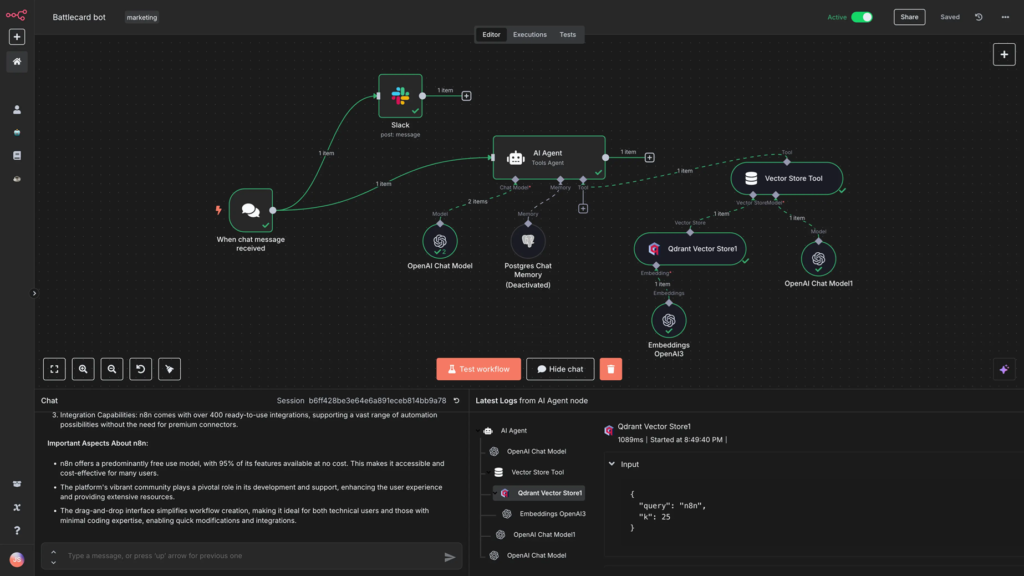
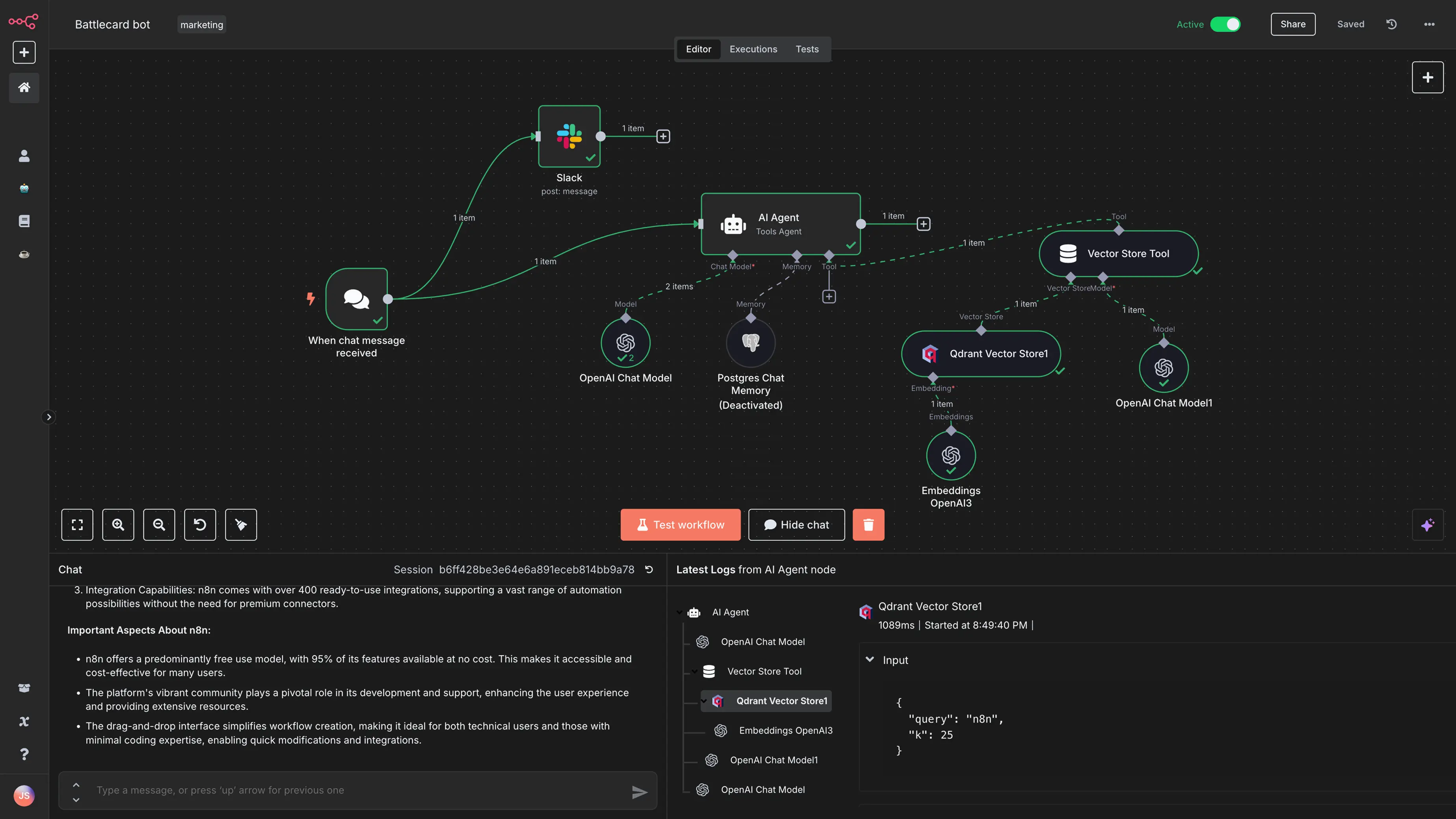
In today’s fast-paced digital world, automation is no longer a luxury — it’s a necessity. Whether you’re running an online business, managing servers, building AI tools, or scaling content systems, manual processes slow you down.
If you’re looking for a powerful, self-hosted workflow automation tool, then n8n is the solution.
In a detailed guide by Valentinas at Hostinger Academy, we learn exactly how to deploy this fair-code automation platform on a Hostinger VPS — quickly and easily.
Let’s break it down step by step and explore powerful automation ideas you can implement today.
Why Choose n8n for Automation?
There are many automation platforms available, but most cloud-based tools:
- Charge per execution
- Limit advanced features
- Restrict customization
- Store your data externally
Self-hosting n8n on a VPS changes everything.
✅ Benefits of Self-Hosting n8n
- Full control over your workflows
- Better privacy and data ownership
- No per-execution limits
- Lower costs for high-volume automation
- Unlimited flexibility
If you run multiple automations daily — especially AI workflows — self-hosting saves serious money over time.
Step 1: Rapid Installation on Hostinger VPS
Setting up n8n used to require complex server knowledge. But Hostinger has simplified the entire process into just a few clicks.
1️⃣ Choose the Right VPS Plan
A plan like KVM 2 is recommended because it offers:
- Balanced CPU performance
- Enough RAM for automation workflows
- Great value for scaling users
It’s one of the most popular VPS plans for running automation tools smoothly.
2️⃣ Select the n8n Template
During VPS setup:
- Search for the n8n template
- Select it
- Hostinger automatically configures the environment
This removes the need for manual Docker installation or server configuration.
3️⃣ Finalize Setup and Access n8n
Next:
- Create your root password
- Complete installation
- Log in to your new n8n instance
- Create your owner account
Within minutes, you’ll have your own private automation server running.
No complicated Linux commands.
No advanced DevOps knowledge required.
3 Powerful Automation Ideas to Get You Started
Once you’re logged in, the possibilities are endless.
Here are three practical workflows featured in the guide that show just how powerful n8n can be.
1️⃣ Automated VPS Maintenance
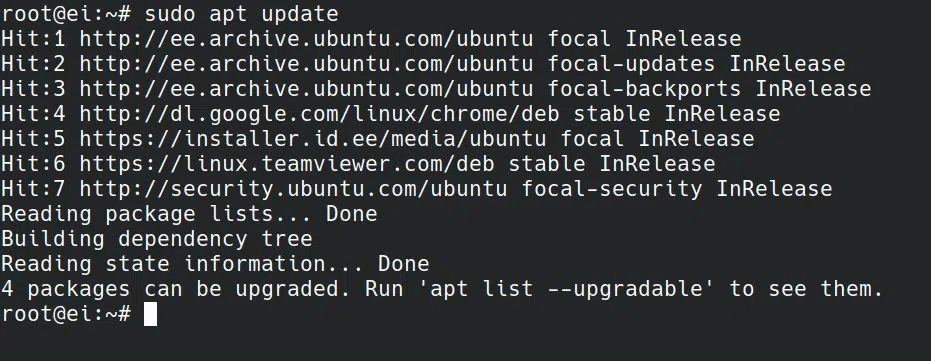

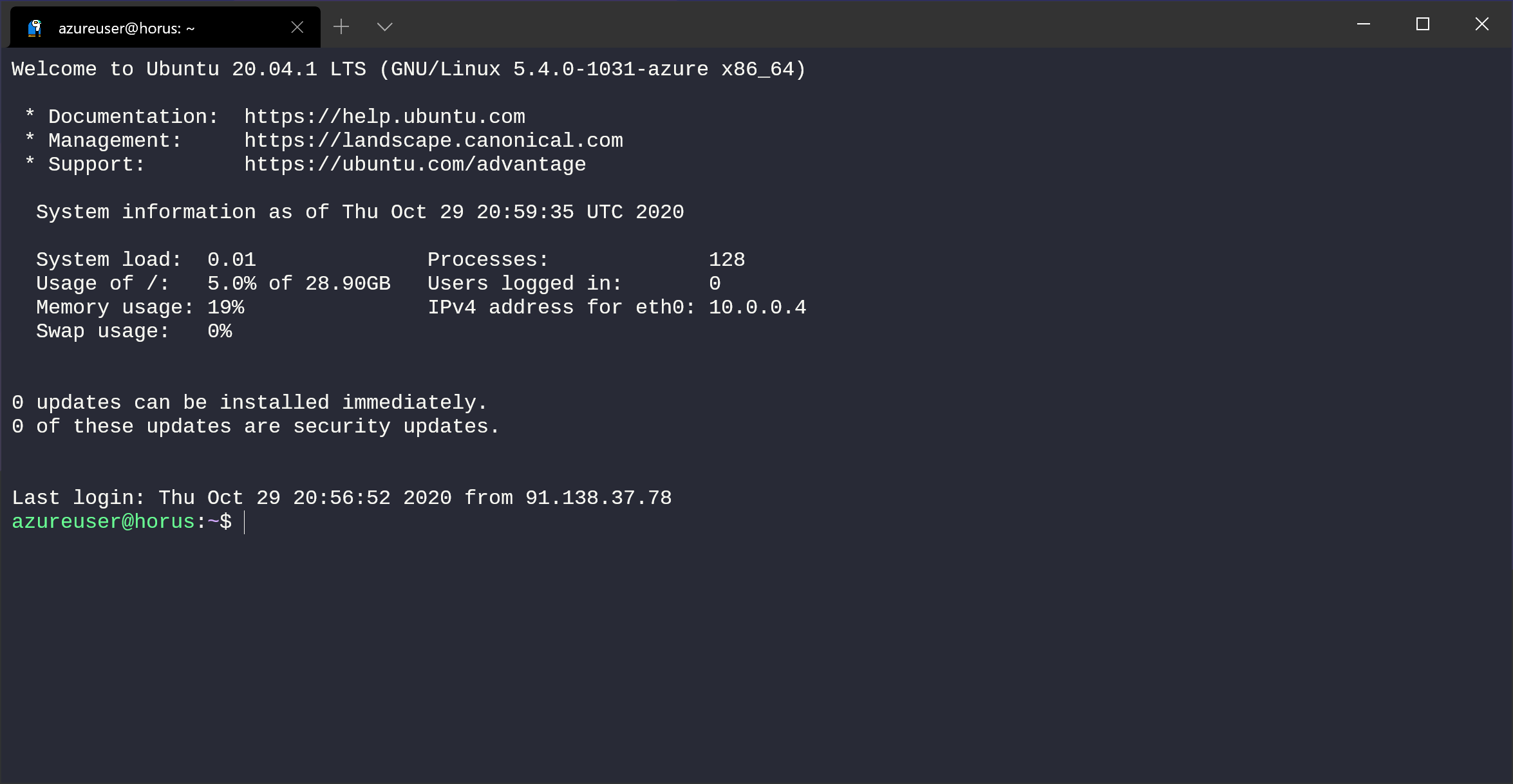

Keeping your server updated is critical for security.
With n8n, you can automate VPS monitoring so you never forget updates again.
How It Works:
- Trigger workflow every night at midnight
- Connect to VPS using SSH
- Run:
apt list --upgradable - If updates are found → send an HTML-formatted email notification
This means:
✔ Your server stays secure
✔ You’re instantly notified
✔ Zero manual checking
For anyone running production websites, this is essential.
2️⃣ Private AI Chatbot with Llama 3.2

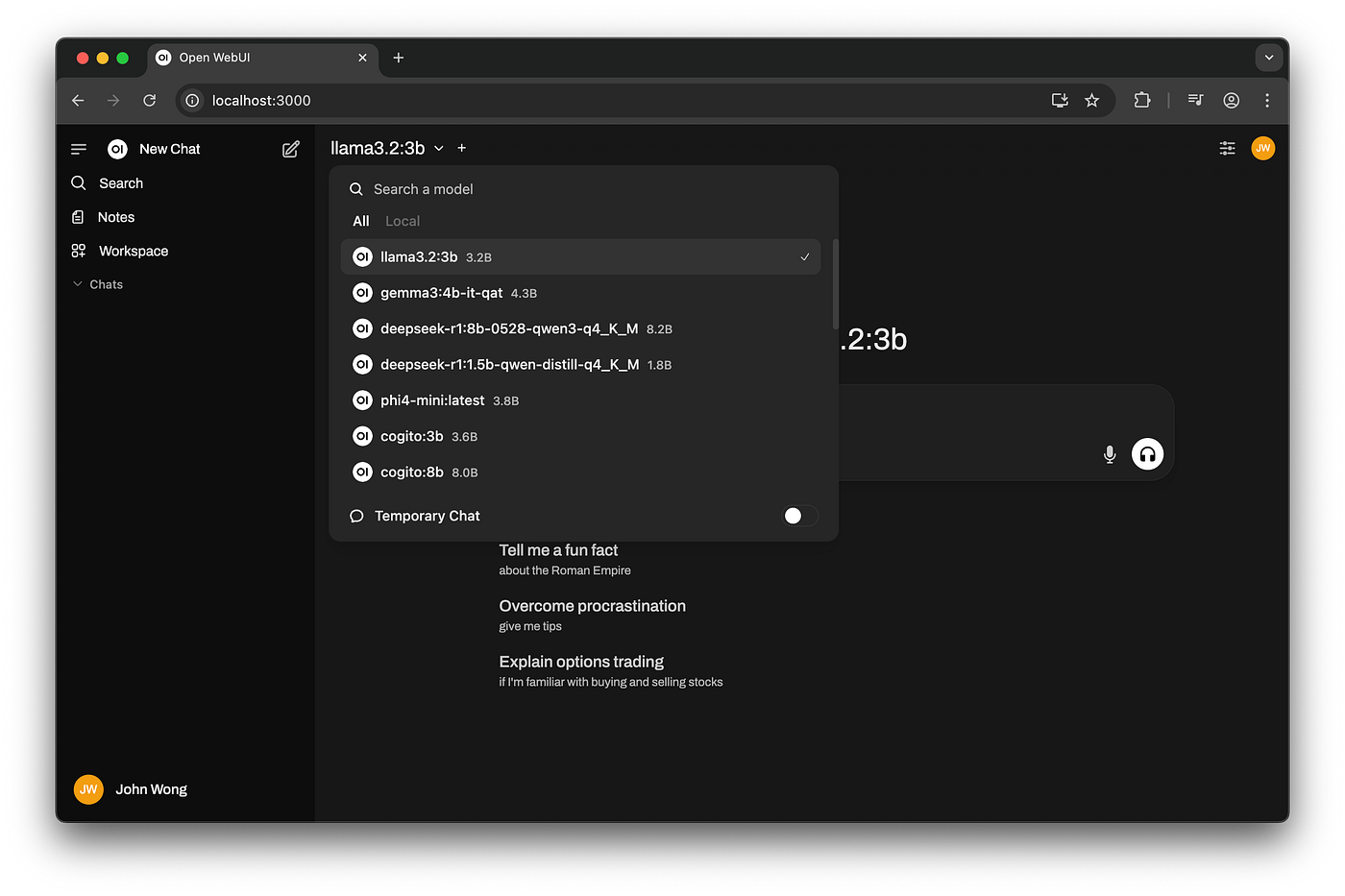
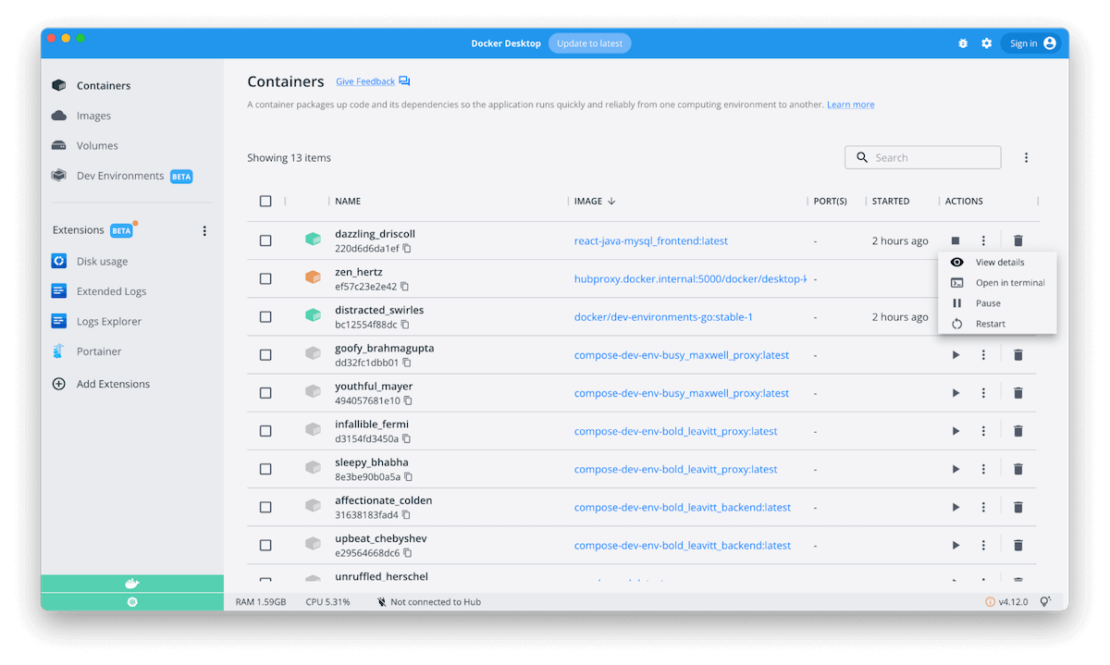
This is where things get exciting.
Using Ollama, you can host your own AI model locally on your VPS — such as Llama 3.2 — and connect it directly to n8n.
What This Enables:
- A fully private AI chatbot
- AI data that never leaves your server
- Custom AI workflows
- Internal business AI assistant
You simply:
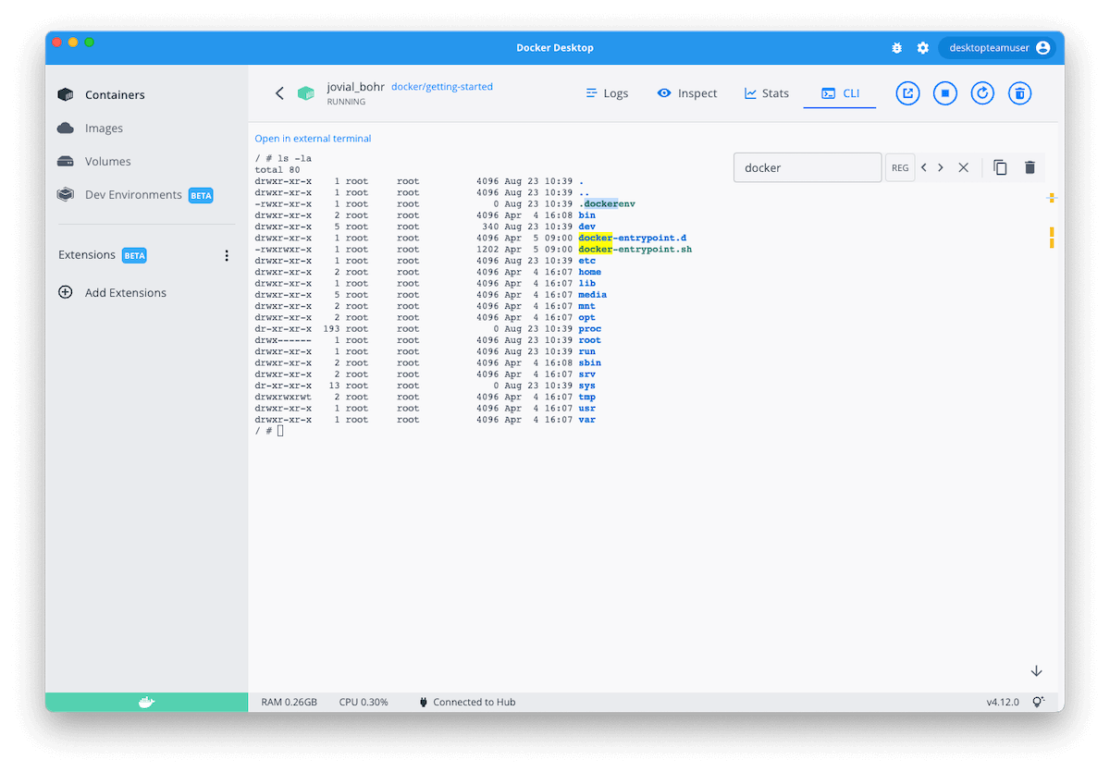
- Run a Docker container with the Llama image
- Connect n8n’s AI Agent node
- Start interacting with your private model
This setup is perfect for:
- Agencies
- SaaS founders
- Privacy-focused developers
- Businesses handling sensitive data
Your AI.
Your server.
Your control.
3️⃣ Daily Tech News Summarizer
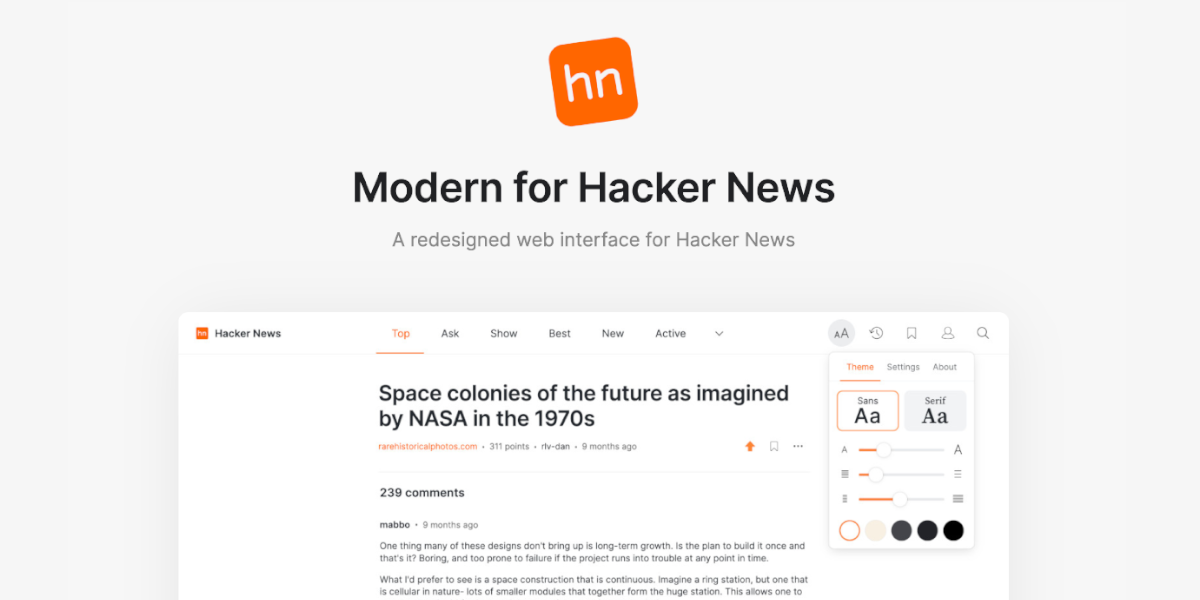

Tired of doom-scrolling?
Build an automated tech digest instead.
Workflow Example:
- Scrape Hacker News daily
- Filter top 5 stories
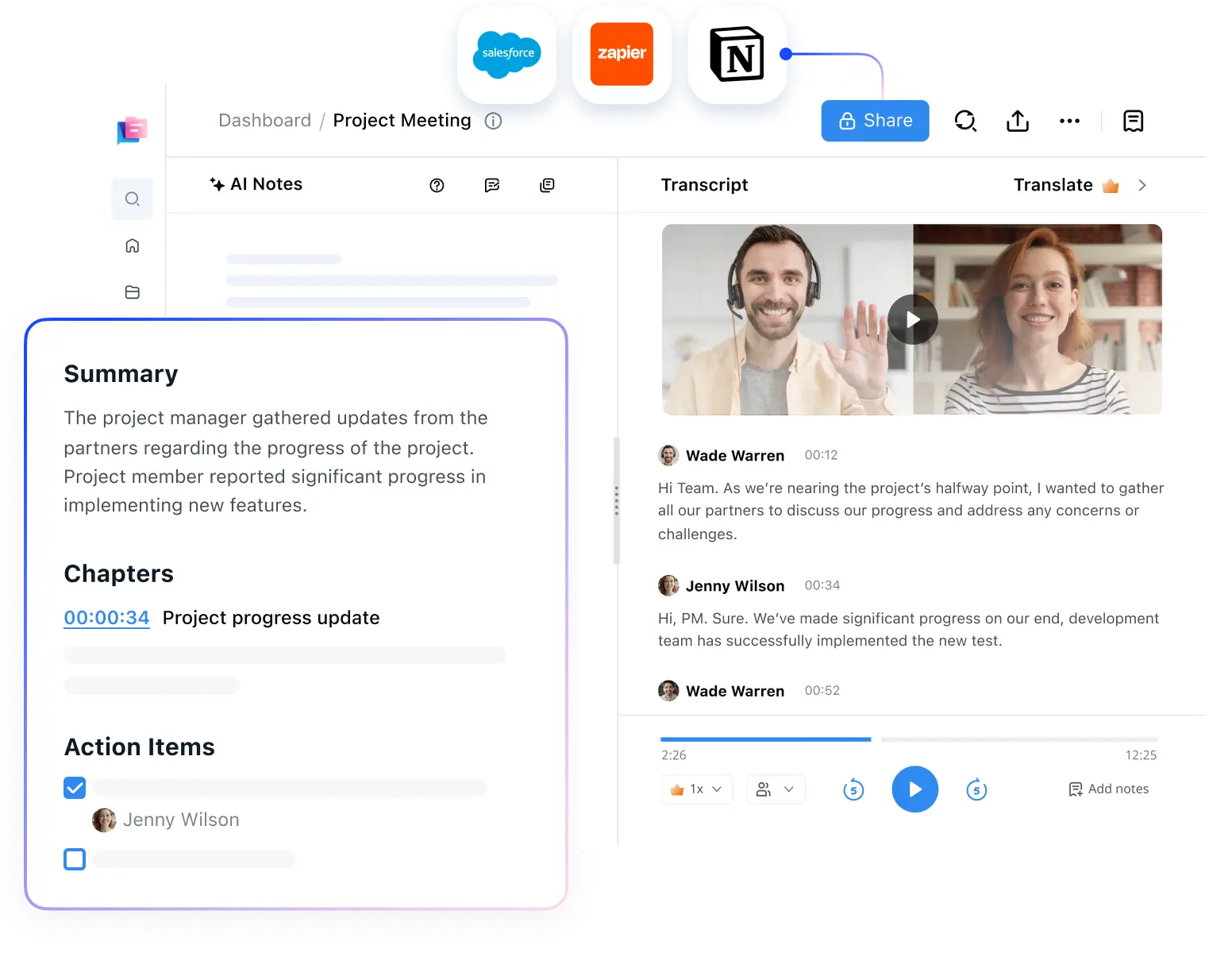
- Use an AI model like OpenAI to summarize
- Send yourself a clean email digest
Now instead of spending 30 minutes browsing, you get:
- Key highlights
- Concise summaries
- Actionable insights
All in seconds.
Pro Tip: Don’t Start from Scratch
If you’re new to automation, building workflows from zero can feel overwhelming.
Good news:
n8n offers a Template Catalog with over 1,000 ready-to-use workflows.
You can:
- Browse templates
- Click “Use Workflow”
- Instantly import into your Hostinger VPS instance
This shortcut dramatically reduces setup time.
Why This Setup Is a Game-Changer
Setting up n8n on Hostinger VPS gives you:
- Enterprise-level automation
- AI integration capabilities
- Server-level control
- Scalable infrastructure
- Long-term cost savings
Whether you’re:
- Managing servers
- Building AI agents
- Automating YouTube workflows
- Running affiliate marketing systems
- Creating internal dashboards
This combination unlocks serious productivity.
Final Thoughts
Automation isn’t about replacing work — it’s about eliminating repetitive tasks so you can focus on high-value activities.
By deploying n8n on a Hostinger VPS, you gain:
- Privacy
- Power
- Performance
- Scalability
All without the complexity traditionally associated with self-hosting.
If you’re serious about reclaiming your time and building advanced automation systems, this setup is one of the smartest moves you can make in 2026.
Ready to get started?
Watch the full step-by-step tutorial:
How to Set Up n8n on Hostinger VPS
Your automation journey starts now. 🚀